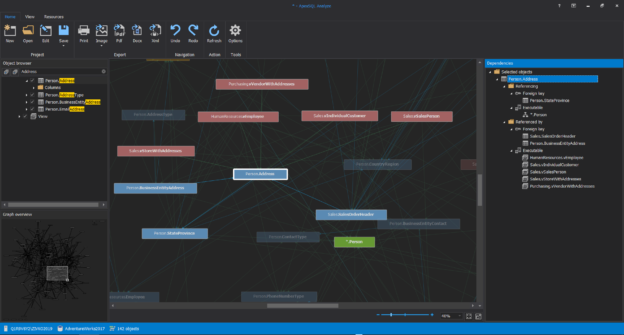
A “one-to-many” relationship is one of the most common relationship types as many real world scenarios can be represented using it. For instance, the same product can be sold by more than one supplier; a customer can have more than address, and so on Read more
Automating daily transaction log reading
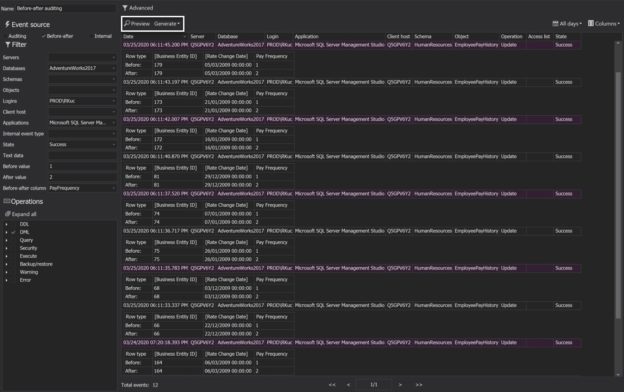
One of the common questions our customers have about auditing is – how to automate transaction log reading and have all the information you might need at hand. Another common request is – how to save the transactions I see in the ApexSQL Log grid, so I can easily filter, group, order and query them without running the whole ApexSQL Log reading process again? In case of large transaction logs, the reading process may take a long time, and I want to avoid running it each time I want to see the transactions Read more
Comparing and synchronizing databases programmatically
ApexSQL Diff and ApexSQL Data Diff provide a user friendly GUI to compare and synchronize database schemas and database objects. They both include the command line interface which provides the exact same options, and which you can use to schedule unattended comparisons and synchronizations
But, what can you do when the features that the GUI and CLI provide are simply not enough? In such cases a more flexible solution is needed and the good news is – there’s a programmable API
Make complex deployment easier
Application deployment is not an easy task. For more complex updates, besides a new version of a database that should be deployed, a new version of the application should also be deployed, and even the environment configuration changes (e.g. IIS settings for a web application or some other server settings) and post deployment testing might be necessary
Problems with complex deployments
A complex deployment often involves a lot of manual work, which makes it slow and error prone. While these characteristics are not a big problem in a testing or development environment, they are certainly unacceptable in production
Synchronizing large databases
When synchronizing large databases that contain millions of records, you will come across several challenges
The first challenge is to just compare such databases. When the database tables contain millions of records, their comparison through the ApexSQL Data Diff graphical interface will be very slow and in such cases, we strongly recommend using the ApexSQL Data Diff command line interface. Read more
Audit SQL Server security changes
The saying “An ounce of prevention is worth a pound of cure” is ever so true when it comes to SQL Server security. Even if everything seems fine with your SQL Server environment from a security standpoint (i.e. no unexpected slowdowns or increased network traffic; none of the data or the objects are damaged corrupted or missing), as we’ve outlined in several articles before, having an auditing system up and running can be literally a life savior when it comes to any suspicious activities, such as unauthorized permission changes or compromised SQL logins. So, how can one set up SQL Server auditing?
Read more
SQL Server auditing for compromised login info
If you suspect that your SQL Server has been compromised, following the steps outlined in this SQL Server suspicious activity checklist might be a good place to start. However, if a SQL Server login has been compromised (i.e. if the login’s credentials have been obtained by an unauthorized party), your data might still be at risk. Actually, being able to detect whether a SQL login has been compromised is one of the biggest challenges a DBA which focuses on security might need to overcome. So, how does one go about detecting compromised logins?
Read more
Audit SQL Server permission changes to improve overall security
One of the most important tasks for a DBA aiming to keep database and the data in it secure and away from unauthorized access or, heaven forbid, malicious changes is to always stay on top of the effective SQL Server permissions his users have over the SQL instances as well as the databases, database objects and data stored in them. Although this might seem like a pretty straightforward task, as the number of database users grows on one hand, and the number of databases and objects on the other things can get really complicated. Add to that the ever changing business requirements, and soon, unless you have some kind of documenting system in place, you can end up with users not having sufficient permissions or even worse – users having more permissions that they actually require
Read more
Improve the performance of an ETL process
Due to the sheer volume of data usually involved in an Extract – Transform – Load (ETL) process, performance is positioned very high on the list of requirements which need to be met in order for the process to go as smoothly as possible. Here are some guidelines which will help you speed up your high volume ETL processes
Read more
Synchronize SQL Server databases in different remote sources
The scenarios
The applications used by travelling sales representatives, or other field workers – delivery drivers, visiting nurses, etc. are designed to collect data on remote locations and then send it to a data center. Also, the data from the data center occasionally needs to be sent back to these remote locations, to keep them up to date
For example, whenever nurses pay a visit to a patient, they enter the information about the visit into the database on mobile devices. At the end of the day, all these entries created during the day are sent to the central database in a hospital. After that, the nurses can synchronize mobile devices with the database in the hospital data center, so they get the new information about their patients, and also, the information about any new visits they need to make the next day
In the scenario such as this, there’s constantly a need to synchronize the information from a mobile device to a central database
Read more